Executive Summary & Offboarding SOP
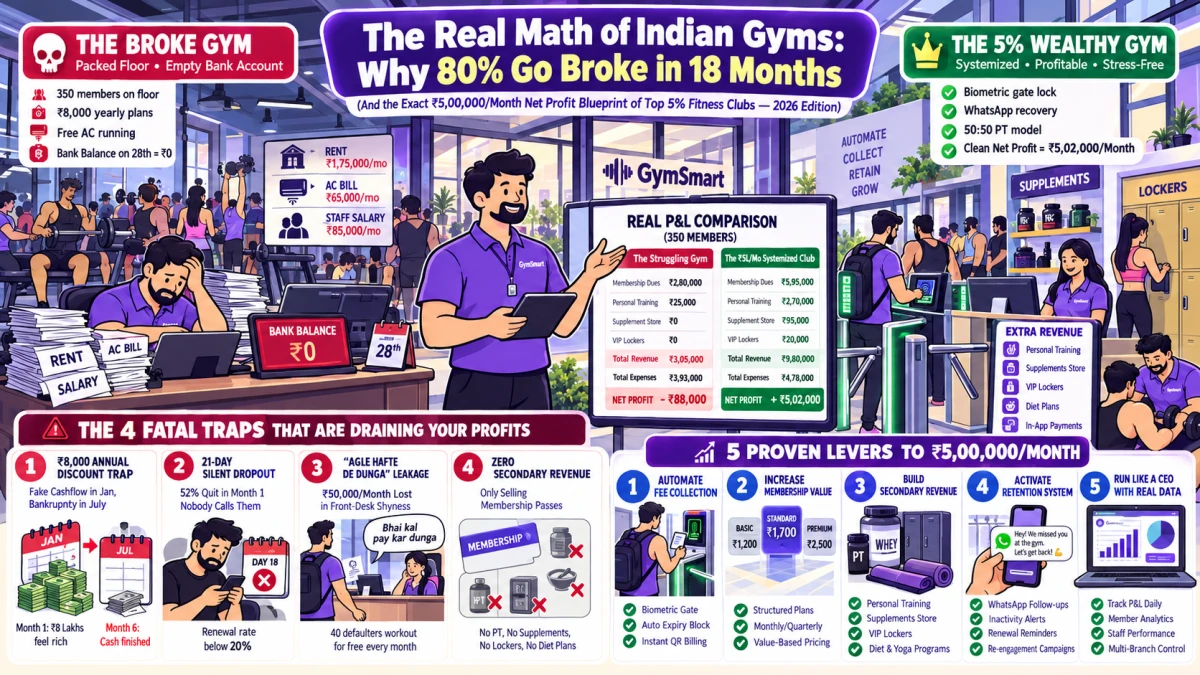
- The 3 Silent Business Threats: When a personal trainer or sales counselor resigns, gym owners face severe risks of PT client poaching, unauthorized member data theft, and ERP billing tampering.
- Instant 1-Click ERP Role Revocation: Revoking software credentials within 60 seconds of resignation terminates active sessions across Web ERP, Mobile Staff Apps, and reception POS counters.
- Data Privacy & Masked Phone Numbers: Role-based access control (RBAC) prevents outgoing staff from downloading CSV customer databases, adhering to Indian DPDP Act 2023 regulations.
- 1-Click PT Client Handover: Reassign active personal training clients, workout history, and diet plans to a new certified coach in under 2 minutes to eliminate member churn.
- Automated Full & Final (F&F) Settlement: Calculate exact salary dues, biometric attendance logs, unpaid leave balances, and commission slabs automatically in GymSmart ERP.
1. What Happens When a Gym Employee Resigns Without Systems in Place?
A gym is built on people: certified fitness coaches, welcoming front-desk executives, and proactive sales counselors. But when a key employee unexpectedly submits their resignation—or worse, abandons their shift overnight—unprepared gym owners find themselves facing acute operational chaos:
PT Client Poaching
A popular trainer leaves and attempts to take 10–15 high-paying personal training clients with them for home workouts or a nearby rival gym, causing ₹1,50,000+ in lost revenue.
Customer Data Theft
If your staff has unrestricted export rights, a departing employee can download your entire member list and inquiry pipeline into an Excel file on their personal USB drive.
Lingering ERP Credentials
Ex-employees retaining active login tokens on their smartphones can monitor daily collections, delete customer payment logs, or apply unauthorized discounts remotely.
Join 500+ top Indian fitness clubs running biometric gates, automated WhatsApp fee collection, and 0% commission UPI payouts with GymSmart.
2. The 6-Step Gym Employee Offboarding Protocol (SOP for Gym Owners)
Follow this systematic standard operating procedure within the first 24 hours of an employee's resignation to protect your gym's assets, members, and data:
1-Click Instant ERP & App Deactivation
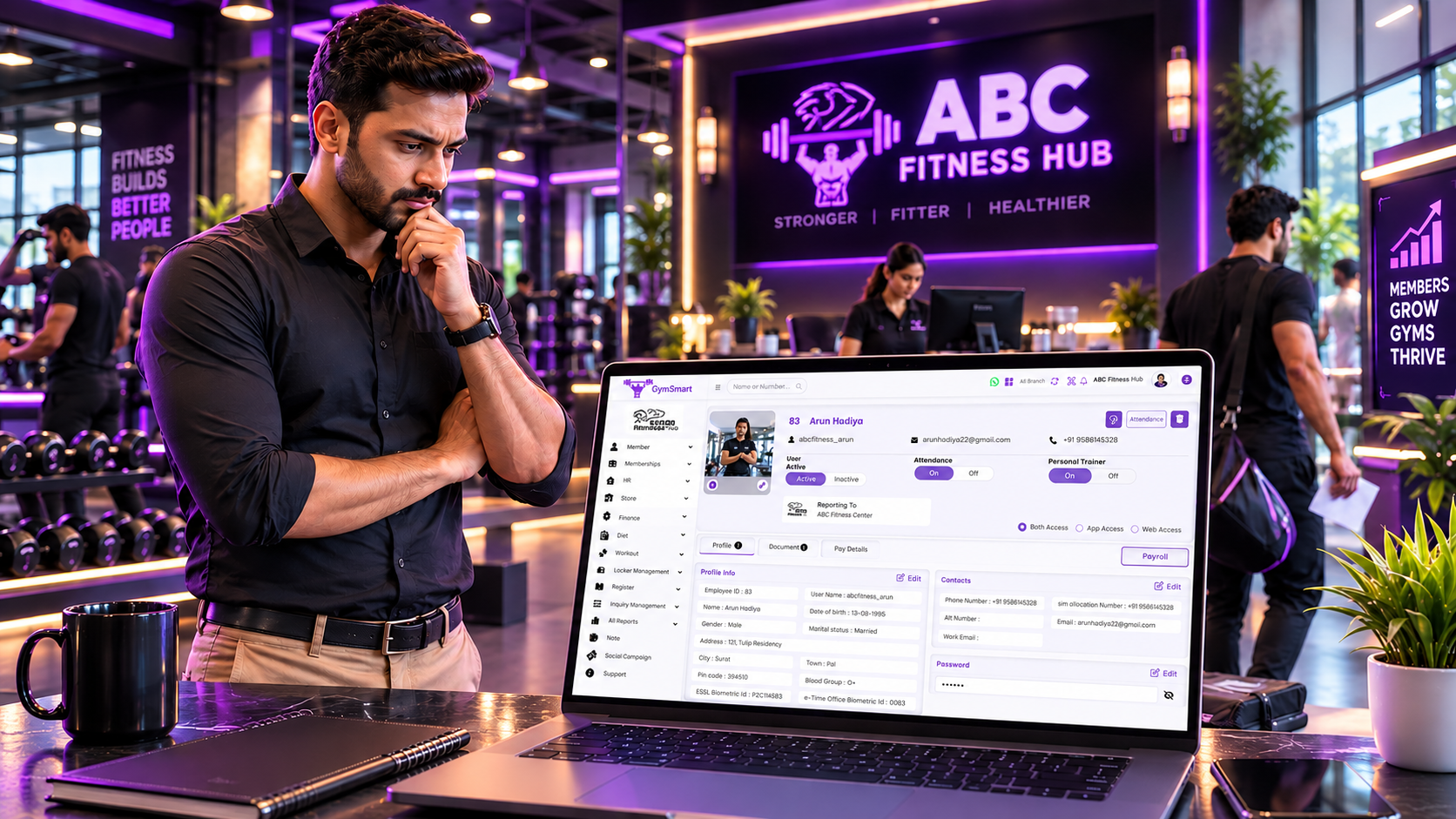
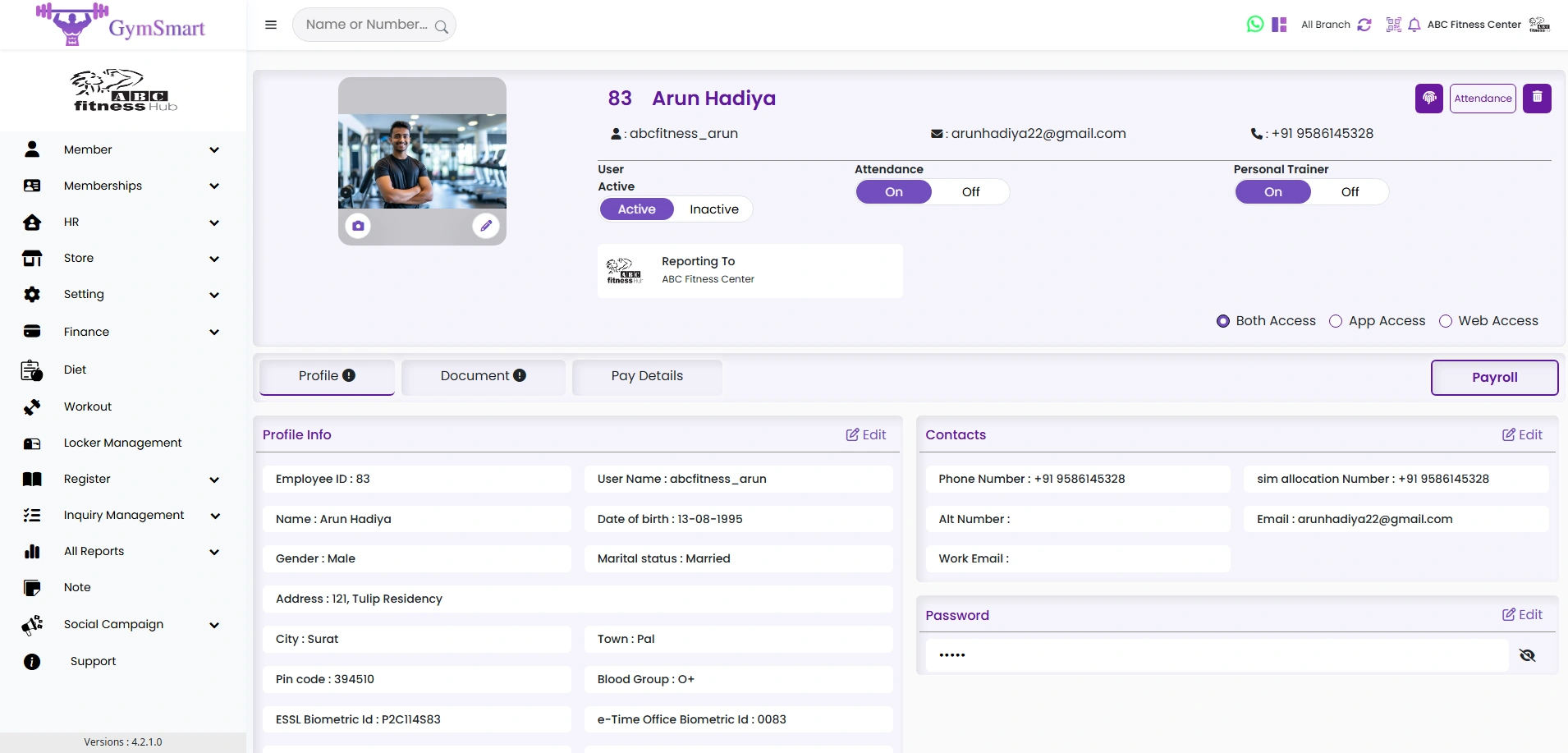
In GymSmart Master Admin, navigate to Staff Management → Edit → Status: Inactive. This terminates all active sessions across Web ERP, Mobile Staff Apps, and POS systems instantly.
1-Click PT Client & Batch Reassignment
Bulk-reassign all active personal training clients and group class slots to another certified senior trainer in GymSmart, preserving client workout histories and session balances.
Automated Client WhatsApp Introduction
Send an official broadcast to the departing trainer's PT clients: introducing their new coach, confirming no session loss, and offering a complimentary 1-on-1 goal review.
Biometric & Payroll F&F Settlement
Generate an automated Full & Final (F&F) settlement statement based on exact biometric shift logs, approved leaves, commission slabs, and asset clearance.
3. Data Masking & Role-Based Permissions (DPDP Act 2023 Compliance)
The biggest vulnerability in most gyms is giving front-desk staff and trainers unrestricted access to full member phone numbers. GymSmart implements enterprise-grade Role-Based Access Control (RBAC):
4. WhatsApp Scripts for Members When Their Trainer Leaves
When a favorite trainer departs, members feel anxious about their progress. Gym owners must address this proactively using these two proven communication scripts:
Script 1: Proactive Transition Message
Script 2: Member Asking for a Refund
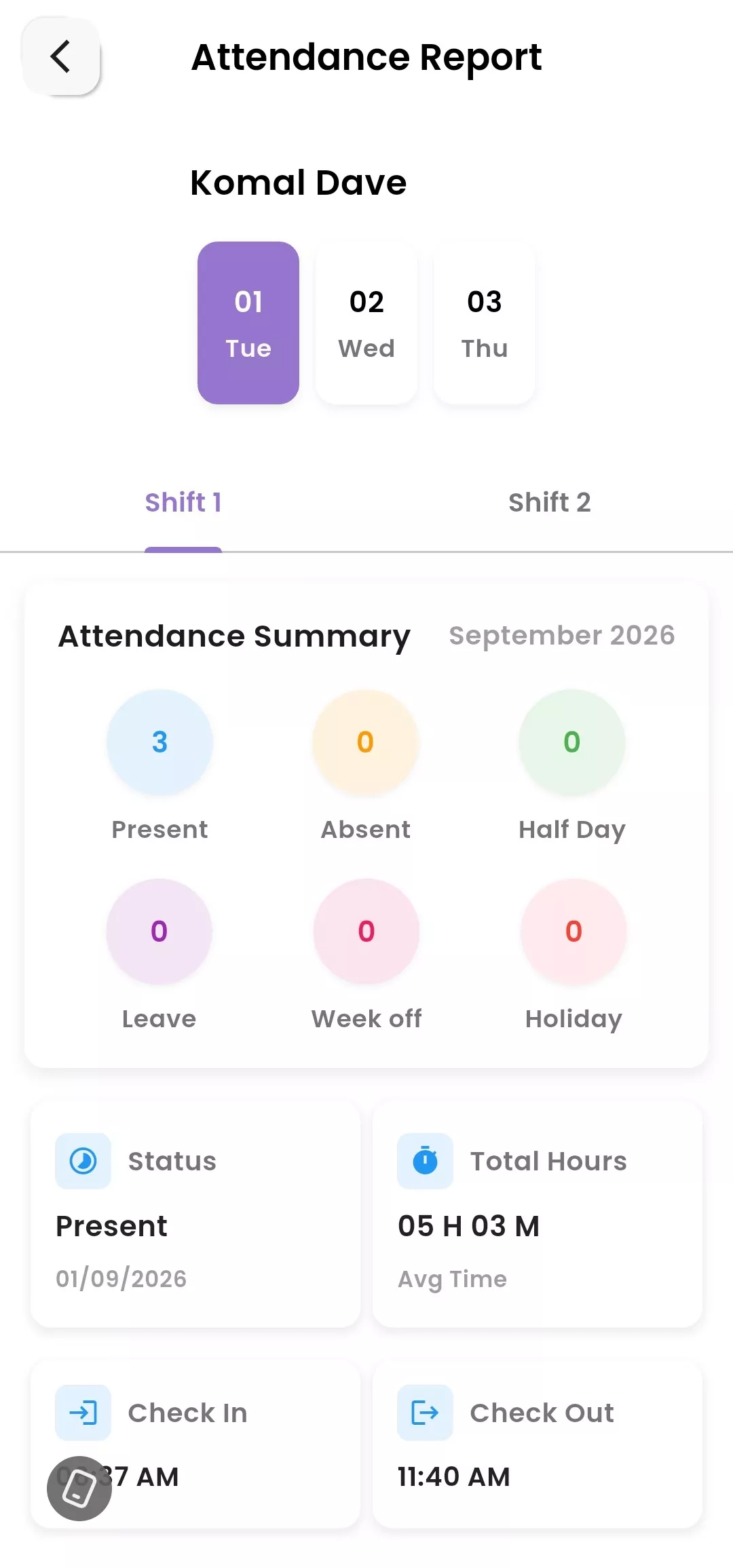
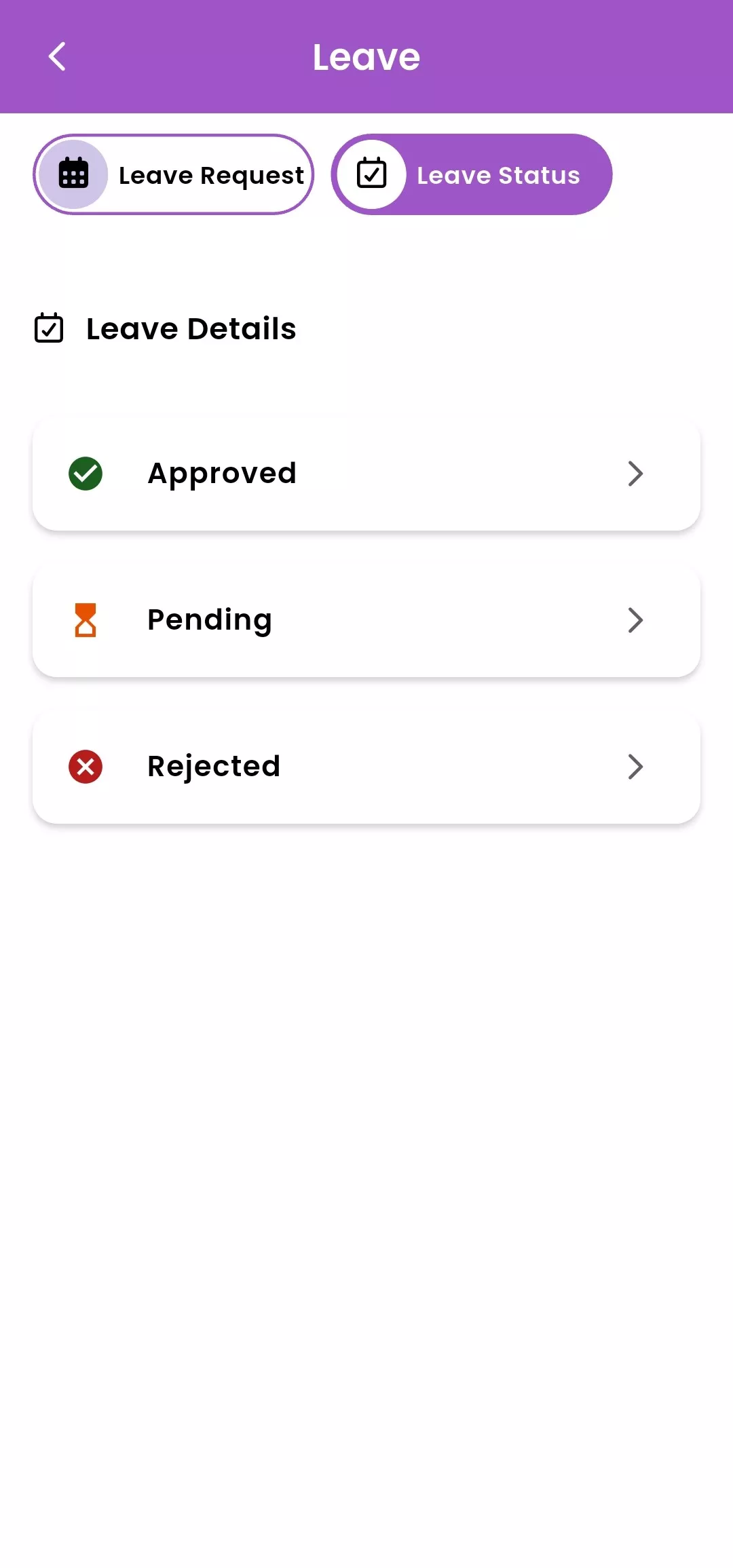
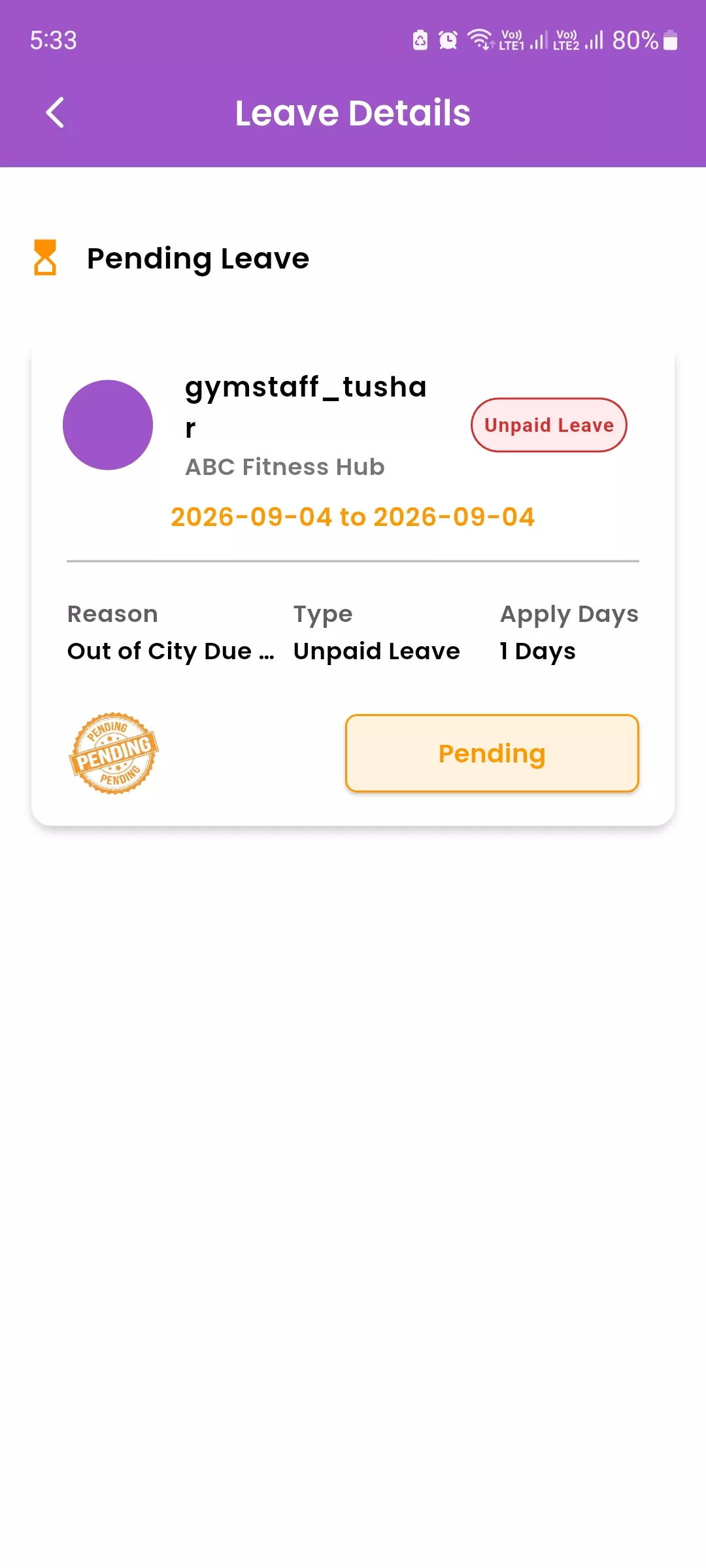
5. Visual UI Showcase: GymSmart Staff & HR Management Suite
Explore how GymSmart provides complete control over employee access, attendance, leave approvals, and personal trainer assignments:
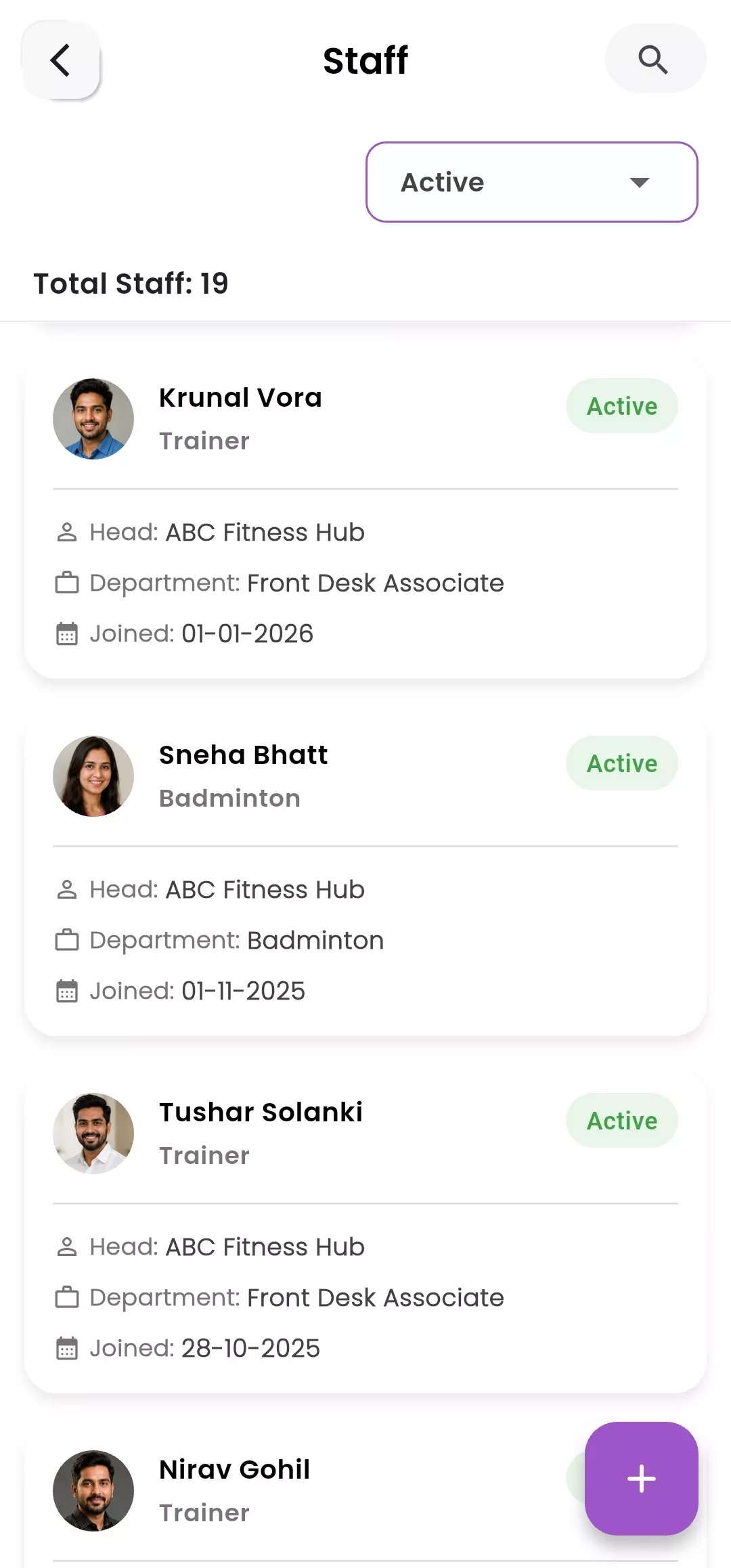
2. Mobile Staff Admin Suite: Attendance & Leave Control
Frequently Asked Questions
Essential offboarding and security questions answered for gym owners and fitness club managers.
How quickly should gym ERP access be revoked when an employee resigns?
Immediately. Access should be deactivated within 60 seconds of resignation or on the employee's last working day. In GymSmart, toggling a staff member's status to 'Inactive' instantly logs them out from Web ERP, Staff Mobile Apps, and POS terminals.
How can gym owners prevent personal trainers from poaching clients?
By enforcing role-based data masking (so trainers only see masked phone numbers), sending immediate proactive WhatsApp introductions to clients with their new senior trainer, and signing standard non-solicitation clauses in employment agreements.
What happens to active PT packages when a trainer leaves?
In GymSmart, owners can bulk-transfer all active PT clients, completed session counts, and remaining balances to another trainer in 1 click without losing historical progress logs.
How does GymSmart calculate Full & Final (F&F) settlement?
GymSmart cross-references biometric attendance records, approved vs unapproved leaves, active PT commission slabs, and salary advances to generate an automated, dispute-free final settlement statement.
Is customer data protected under Indian DPDP Act 2023 in GymSmart?
Yes. GymSmart restricts raw customer phone number exports to Super Admins only with mandatory 2-Factor Authentication, ensuring staff members cannot steal or leak customer databases.